
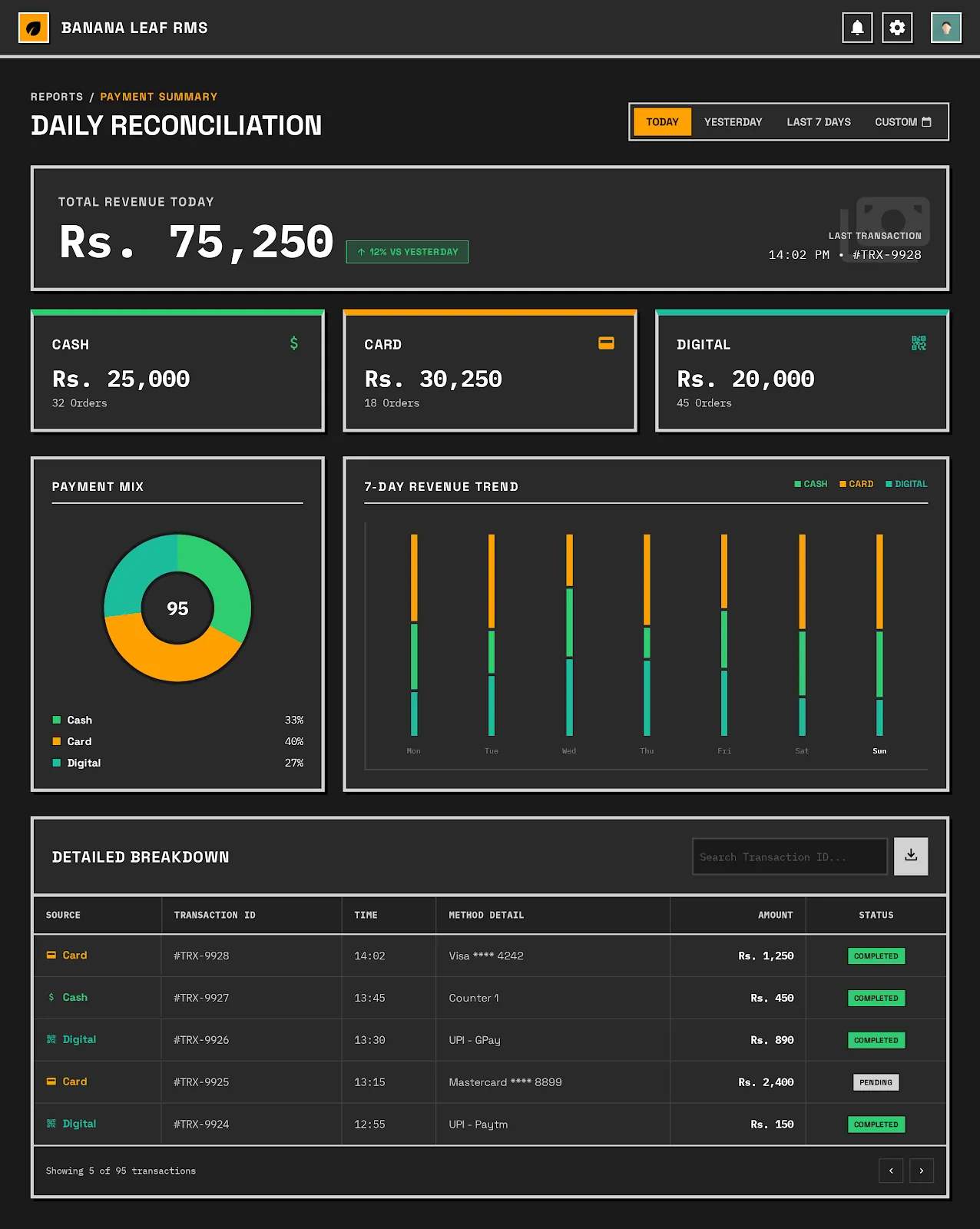
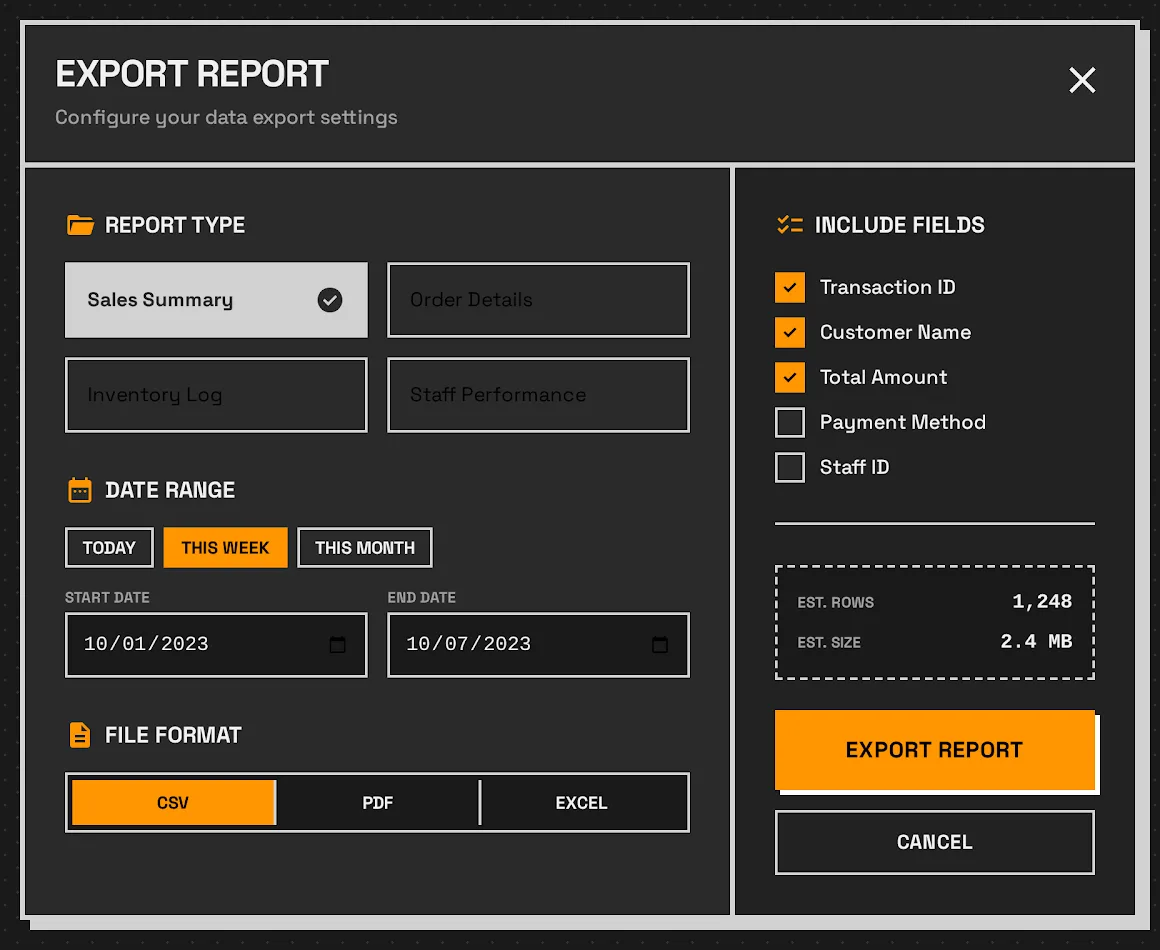
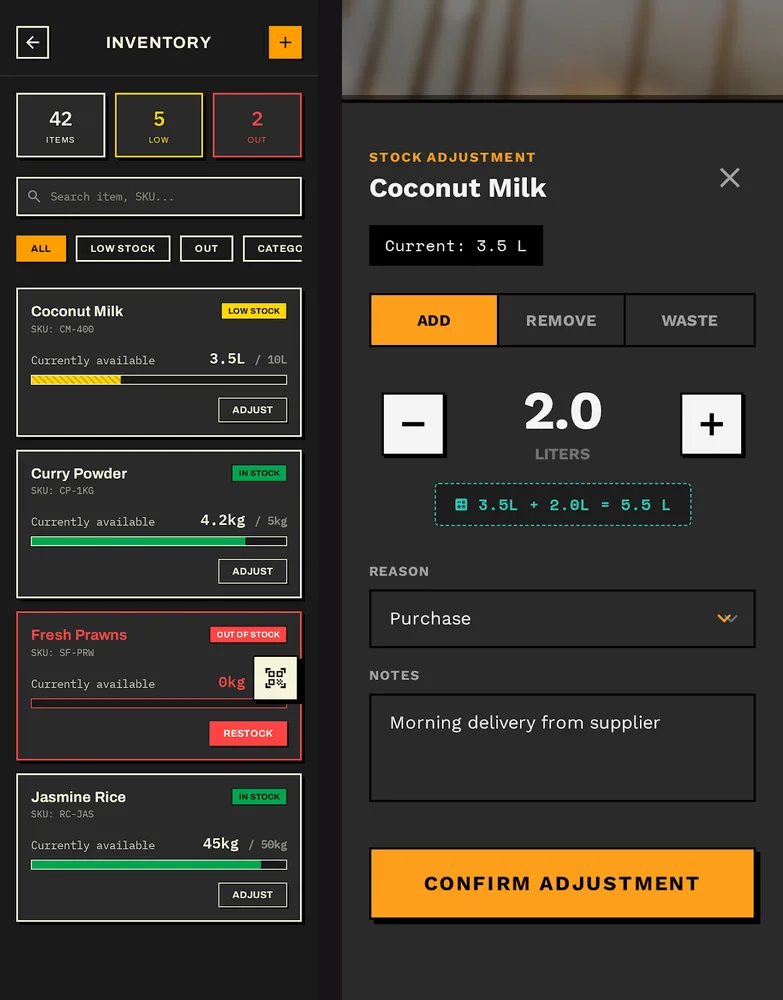
Banana Leaf is a restaurant system I'm designing for Sri Lankan venues that run on paper today. It has three surfaces: a Flutter app for taking orders, a kitchen display, and a web dashboard for the owner. All three are designed to keep working through power cuts and dropped connections. It is at the design stage: the screens are drawn and the backend is being scaffolded.
The problem
Global point-of-sale products assume steady internet, a long training session and Western menus. Sri Lankan restaurants get none of the three:
- Scheduled power cuts. Outages during evening service are expected. A system that stops when the network does is no use.
- Staff with mixed experience of technology. A cook who has never used a smartphone has to run the kitchen display on day one, with no manual.
- Orders from everywhere. Walk-ins, phone orders, delivery apps and chat messages arrive at once. One queue is the main win.
- Menus that don't fit "item plus add-on". Rice and curry is built per plate from the day's dishes, and festival menus rotate through the year.
Three surfaces, one local-first core
Three surfaces that keep working offline
Connections: Mobile ordering to Local store (writes first); Local store to Sync queue; Sync queue to Supabase (syncs when online); Supabase to Kitchen display (pushes new orders); Supabase to Admin dashboard.
Why local-first
An early plan was online-first with an offline fallback. I dropped it. A fallback mode makes a two-tier product, and staff in a busy kitchen can't be expected to know why something works one minute and not the next. So the device's own database is the source of truth, every feature is built against it, and connectivity is only a sync concern.
That makes conflicts a real design problem. Two offline devices can change the same order. The design uses last write wins on the update time, and tells the shift manager when sync finds a real conflict, so a person settles it.
Taking an order during a power cut
- 1Order on the phoneThe waiter taps menu photos. The order is saved to the phone's database straight away.
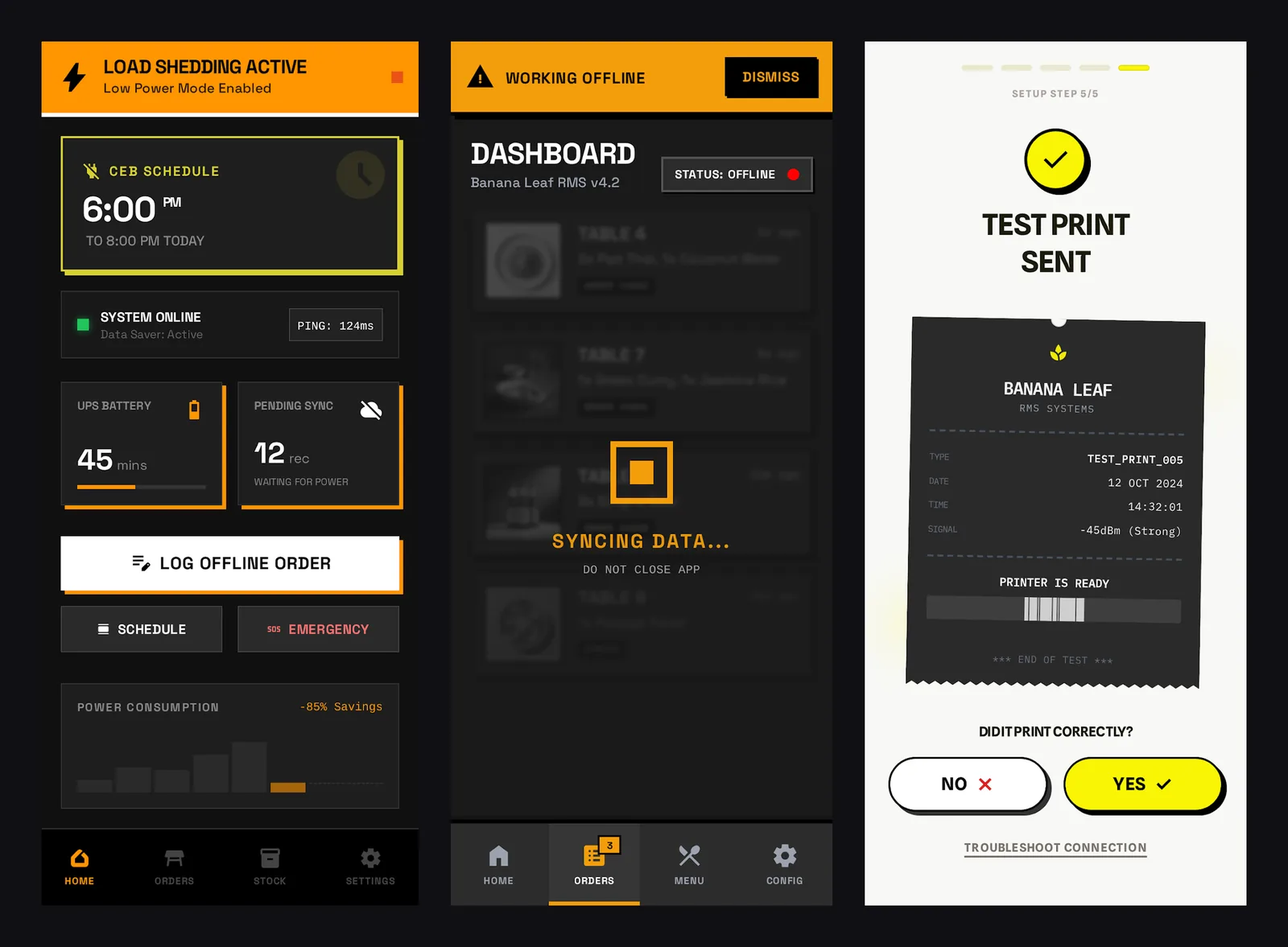
- 2Queue the changeThe write joins the sync queue. A status bar shows the app is offline, in the warning colour, so it is seen in a loud room.
- 3Connection returnsThe queue replays in order against Supabase, backing off and retrying on failure.
- 4Kitchen and owner catch upRealtime pushes the order to the kitchen display and the dashboard. Conflicts go to the shift manager.
Designed for no training
Every primary action has to be doable by a new staff member without help. That rules things out:
- No text-only menus. Every item has a photo, so reading speed and language matter less.
- No "Are you sure?" dialogs for routine actions. Voiding an order takes a deliberate swipe instead.
- Big targets. Kitchen buttons fill the bottom of each order card, so wet or gloved hands can use them.
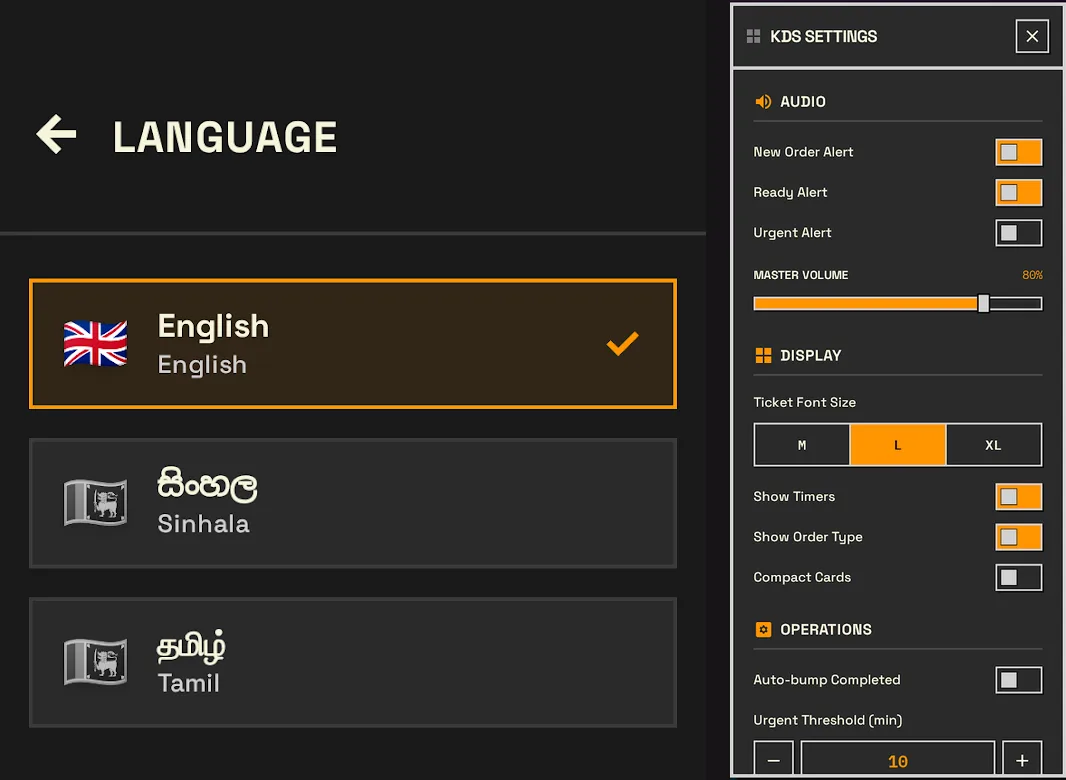
The visual language follows from the same need: mango orange on dark concrete is loud enough to read across a kitchen in poor light.
Targets
These are design targets, not results. Nothing has been measured yet.
| Target | Goal |
|---|---|
| Order accuracy | Above 98% |
| Service speed | 20% faster, three months after launch |
| Staff adoption | Everyone using it within the first week |
Building for offline-first conditions?
Power cuts, patchy connections and staff new to software. If your system has to work when the network doesn't, book a call.
Book a call (opens in a new tab)