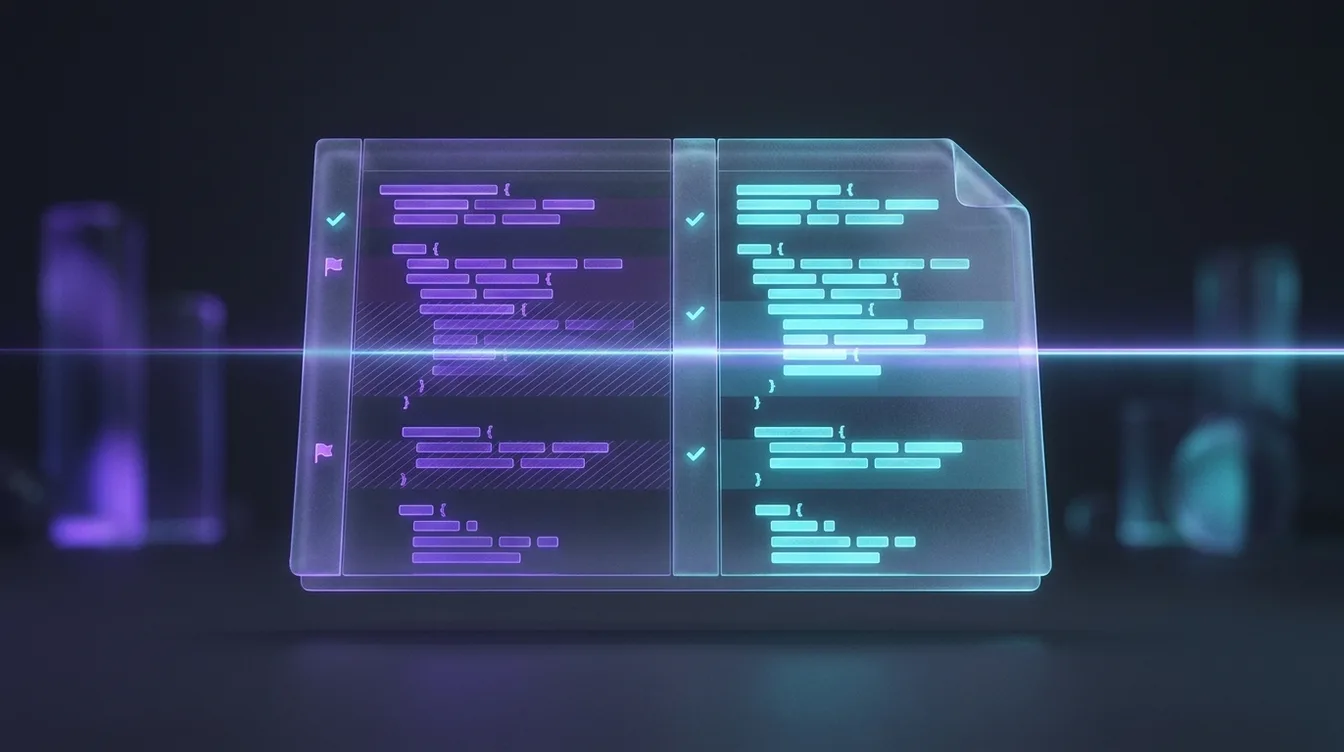
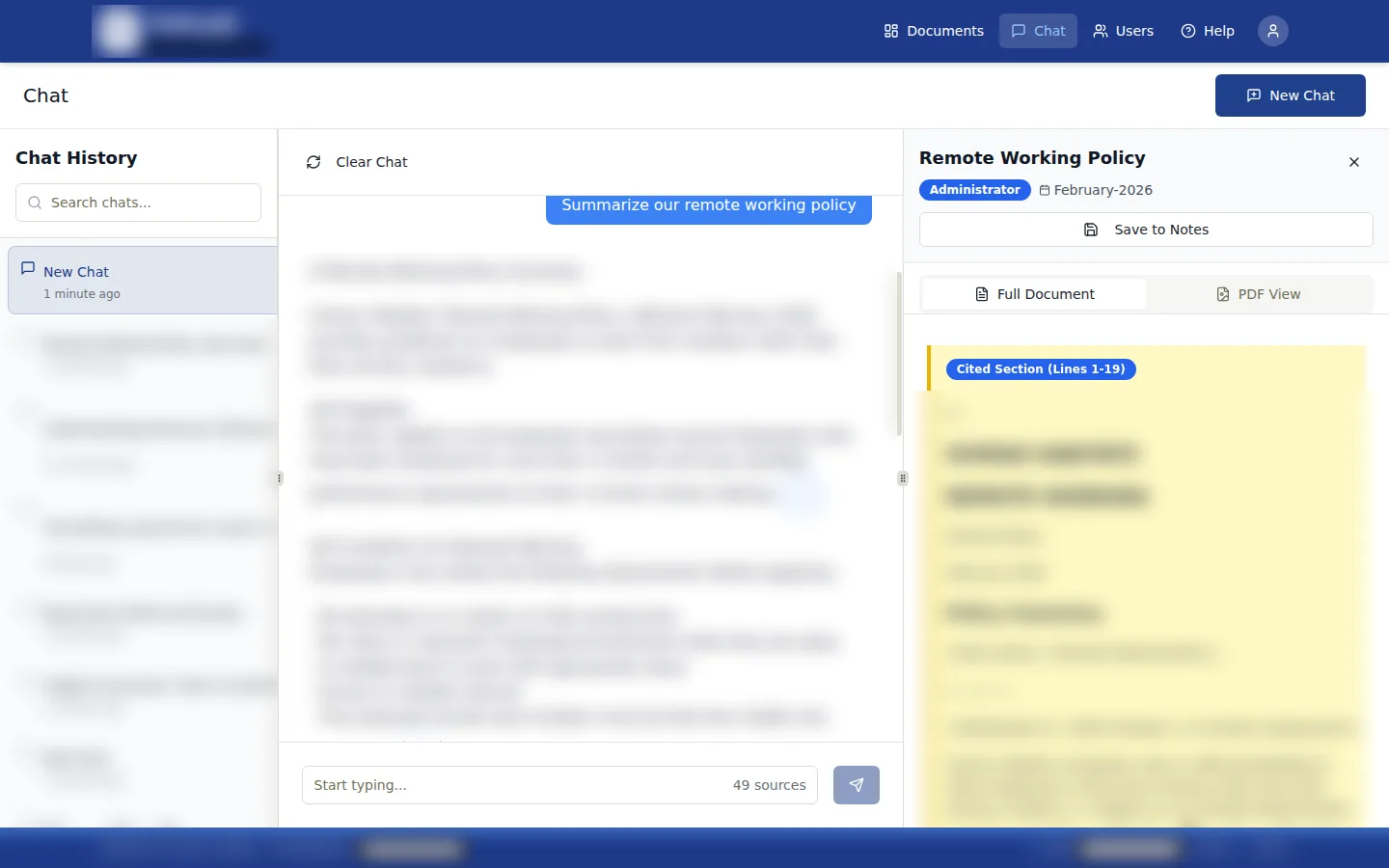
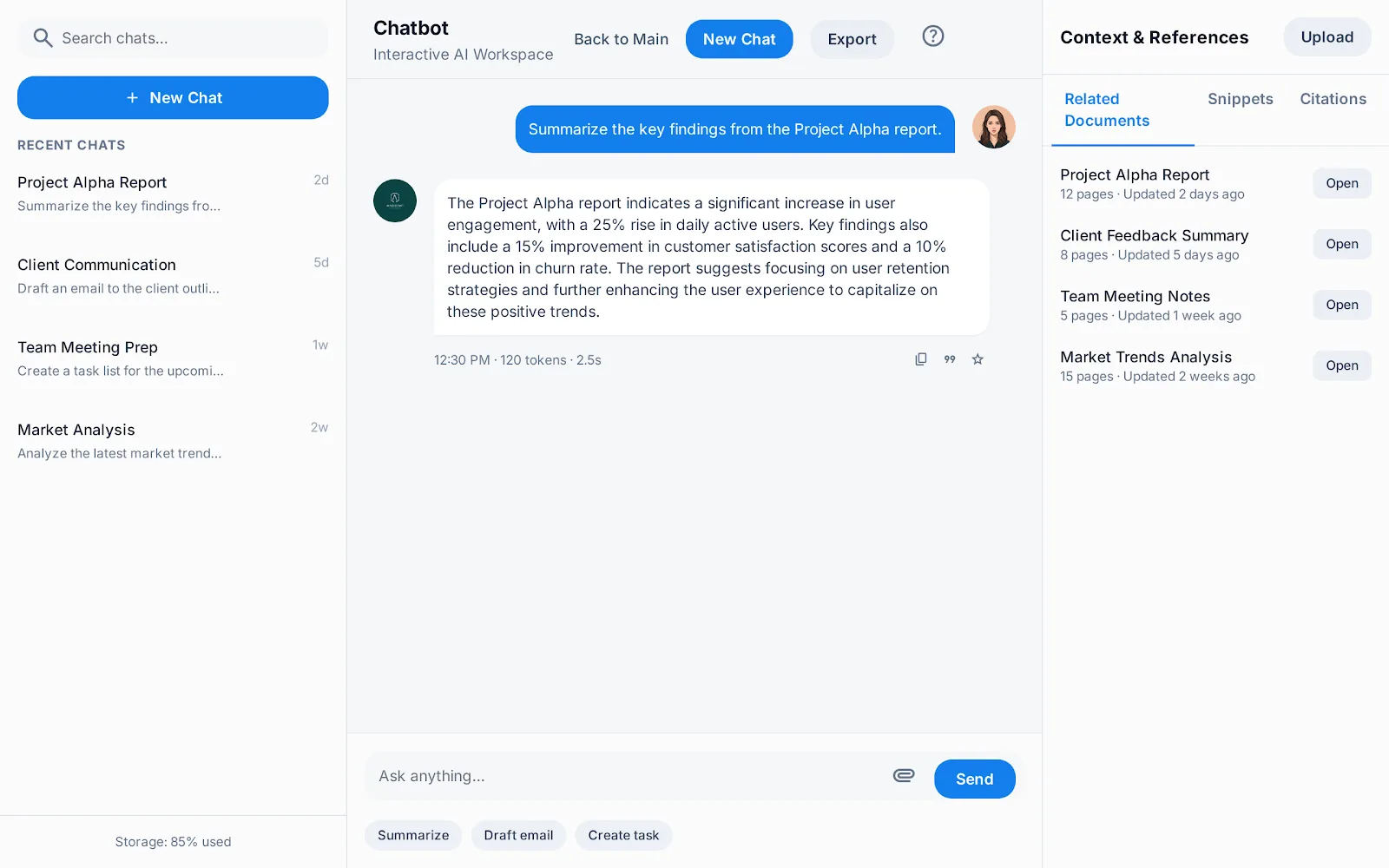
At CoralShades, I built PolicyAI: a policy library that staff can question in plain language. Each answer cites the document it came from, flags policies that may be out of date, and only draws on documents the asker's role is allowed to see. That last rule lives in Postgres, not in application code.
The problem
Organisations keep their policies in shared drives, intranets and email threads. Staff can't easily find the right one for their role, can't tell whether it is current, and sometimes act on a version that has been replaced. Compliance and HR staff spend their time answering questions the documents already answer.
Ordinary document tools miss three things here:
- They match titles and keywords, not what a document actually says
- They have no idea whether a policy is out of date
- They return whatever sits in a folder the user can open, whether or not it suits their role
How a question is answered
From question to cited answer
Connections: Question to Session and role; Session and role to Role-filtered retrieval; Role-filtered retrieval to Answer with citations; Answer with citations to Currency flag.
When the user's documents can't answer a question, PolicyAI says so. It does not reveal titles or content from documents outside the user's role.
Role isolation in the database
The usual pattern is to filter by role in application code. In a compliance tool that is fragile: one missed filter, one misrouted endpoint, and a document leaks to the wrong role.
So I put the rule in Postgres. With row-level security on the documents table, no query can return a row whose role doesn't match the caller's, whatever the application asks for. The embeddings table inherits the same rule from its parent document. Storage buckets mirror it for the PDFs themselves. The app still filters for speed, but correctness doesn't depend on it.
How row-level security keeps roles apart
- 1Tag every documentEach document row carries the role it belongs to. Only administrators can insert or update documents.
- 2Read the role from the tokenSupabase Auth puts the role in the user's token. Every policy compares the row's role with it.
- 3Cascade to chunksA chunk is readable only if its parent document is. Changing a document's role changes every chunk at once.
- 4Search as the userRetrieval runs under the asker's session, not a service key, so the policies apply to the vector search itself.
ALTER TABLE document_chunks ENABLE ROW LEVEL SECURITY;

CREATE POLICY "users_read_own_role_chunks"
  ON document_chunks
  FOR SELECT
  USING (
    document_id IN (
      SELECT id FROM documents
      WHERE role = (
        SELECT raw_app_meta_data->>'role'
        FROM auth.users
        WHERE id = auth.uid()
      )
    )
  );
The cost is schema work, and admin jobs that legitimately cross roles need the service key. Those run only in backend Edge Functions, never in the browser.
Processing a new policy
Uploads are processed in the background by an n8n workflow, with live status in the app through Supabase Realtime.
- Extract the text page by page.
- Split it into overlapping chunks for embedding.
- Ask a model for the effective date, document type, version and owning department.
- Compare the effective date with today and flag the policy if it is more than 18 months old.
- If no date can be found, use the upload date and mark it for an administrator to check.
- Write a short summary and the chunk embeddings back to Postgres.
Real policies put their dates anywhere: headers, footers, version tables, body text, or nowhere. Falling back to the upload date with a visible flag means an administrator always knows which documents need a look, instead of trusting a guess.
Why Supabase
The team needed a backend a few people could run without dedicated DevOps. Supabase gave us Postgres with row-level security, auth with role claims, per-role storage, Edge Functions for webhooks and Realtime for status, in one platform. n8n holds the model calls and processing, where they can be inspected and changed without a deploy. Both can be self-hosted with Docker by changing configuration, not code.
Working on something like this?
I build agent workflows, document pipelines and the apps around them. If this looks like your problem, book a call.
Book a call (opens in a new tab)